Live demo
SMM panel live demo: try it before you rent
This is the exact panel we install on your domain, with sample services and orders. One click signs you in. It resets itself every night, so click anything.
Customer panel
What your buyers see: services, ordering, wallet and tickets.
Admin panel
What you see: orders, providers, payments, users and settings.
Try these
Six things worth clicking
Five minutes in the demo tells you more than any feature list.
- Open New Order, pick a service and watch the price update as you type the quantity.
- Search the Services list and mark a favourite.
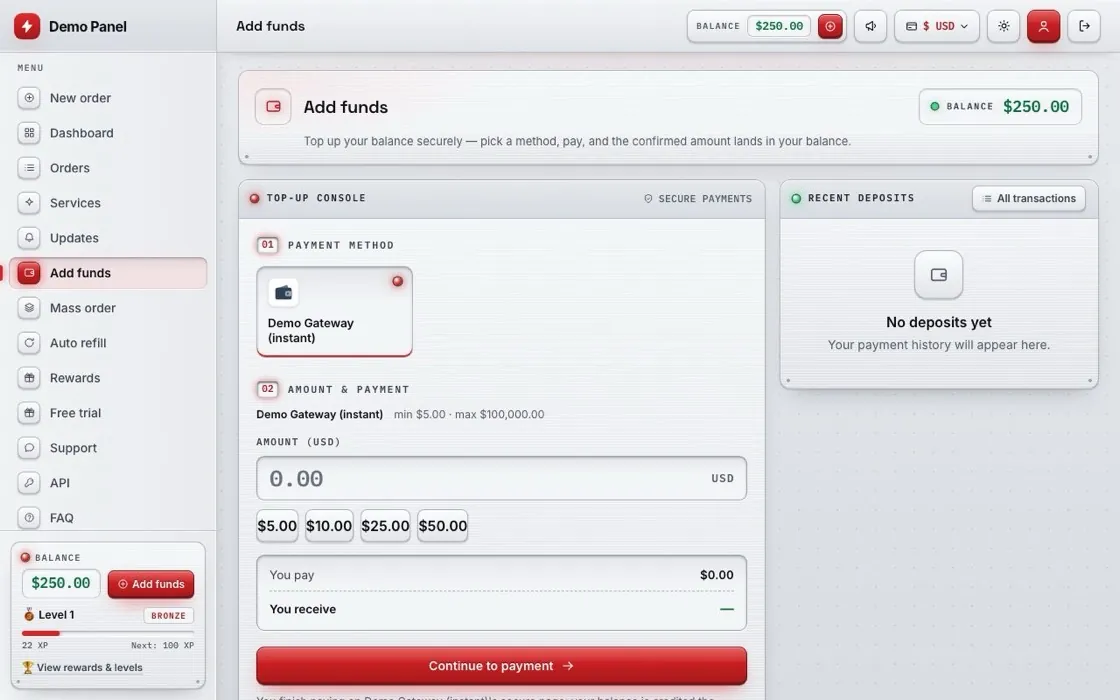
- Open Add Funds and see the payment methods your customers would get.
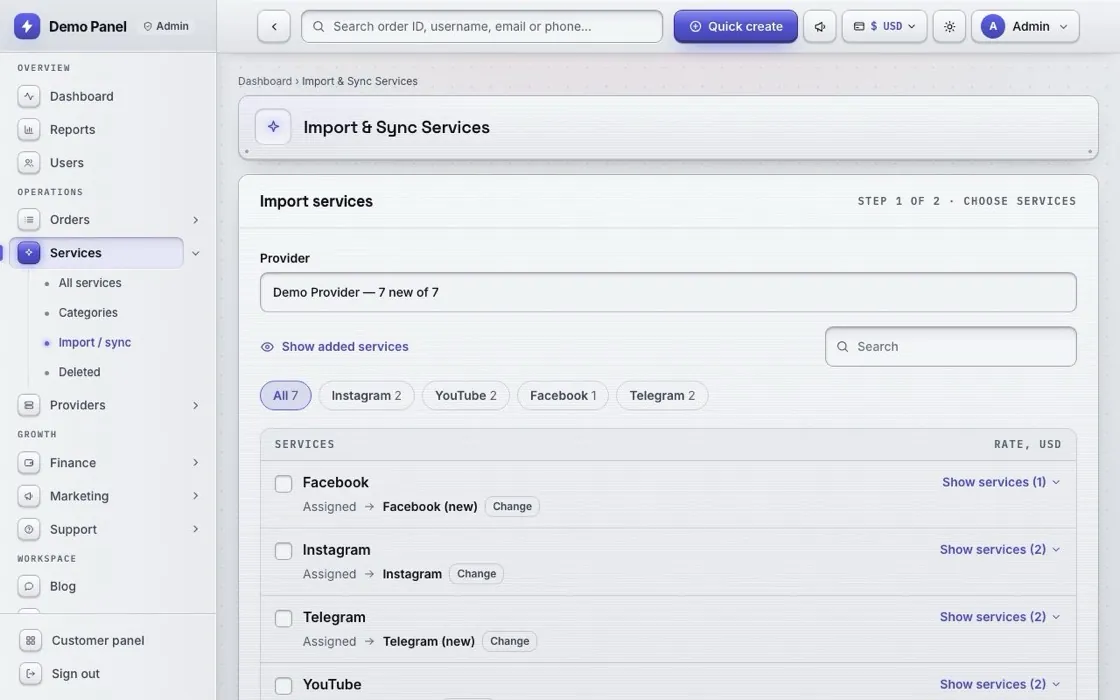
- In the admin, open Services and look at the two-step import from a provider.
- Open Reports and check profit, orders and delivery times.
- Open Appearance and switch the theme or accent colour.
A look inside
The same panel, on your domain
Liked it? Get one on your own domain
Pick a plan, point your domain at us, and the same panel is live on it with your brand and free SSL.